First, a thank you to everyone who turned on “Automatically send game reports” after the Reforged release. Your reports helped me fix two bugs that were easy to miss while playing.
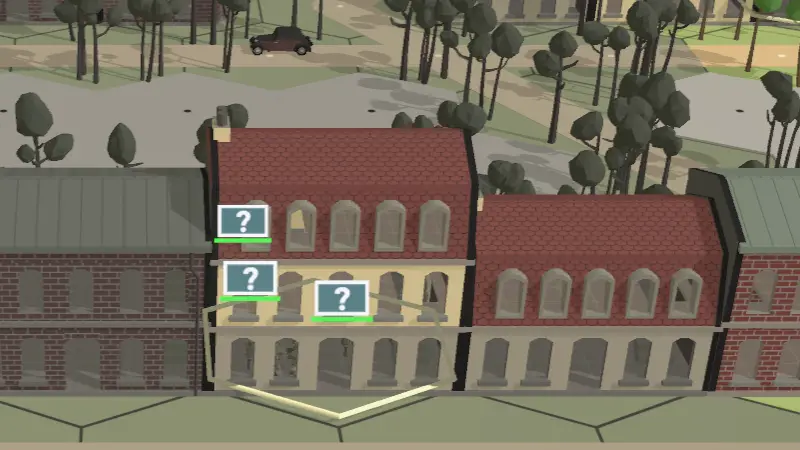
In one game of Recon One, something went wrong while troops were unloading from a truck. The game recovered and the battle carried on. As a player, you had little reason to notice. In the report, though, I could follow the truck’s actions right up to the point where the unloading sequence went wrong. Nobody had to remember the hex, take a screenshot or try to make it happen a second time. That’s exactly why I added this option.
If you’d like to help in the same way, you’ll find “Automatically send game reports” under Options → Support. It’s off by default. If you turn it on, reporting begins with the next scenario you start or load. You can switch it off again at any time.
Now for a change you’re unlikely to miss: at the end of a scenario, it rains dice.
What’s new
1. The dice from your battle return. Once both sides’ losses have been shown, the dice you rolled tumble down behind the results window. You can hear them land and watch the counter tick up.
2. Snake Eyes and Boxcars. In scenarios started after this hotfix, the results screen shows how often each side rolled double ones (Snake Eyes) or double sixes (Boxcars). Only actual two-dice rolls count. You don’t have to finish in one sitting: the record is saved with your game. Older saves keep their recorded total but don’t get a retroactive breakdown.
3. Heavy shell impacts. A visible high-explosive impact of 105 mm or larger gives the camera a brief shake. The effect is stronger with larger calibres and when you’re zoomed in. Duds and impacts outside your view don’t shake the camera.
Scenario and unit fixes
4. Bootcamp – Rally loads again. A stray space in the map name prevented the tutorial from finding its map. I checked both starting the tutorial from scratch and loading an older save.
5. Passenger casualties stay where they fell. A passenger killed aboard a vehicle no longer travels on with it or reappears when the survivors unload. This also covers older saves that still list a casualty as a passenger.
6. Pinned status is visible on Fanatic units. While a Fanatic unit is Pinned, both its unit card and its entry in the passenger list show that it’s Pinned.
Steam Workshop and leaderboards
7. Browse while the list loads. You can select entries on the first page while Steam fetches the next one. The list of your own published items no longer stops at 50. I checked it with 67.
8. Start installed scenarios more reliably. The Play button now appears even if Steam takes a moment to confirm that an item is installed. If the downloaded scenario is missing its map, the game tells you what’s missing.
9. Publish a new item or update an existing one. These are now separate actions. When updating, you choose the Workshop item you want to change. The scenario keeps its Workshop ID even after you copy or rename the file. Retrying an update stays tied to the item you selected. If Steam doesn’t confirm whether a new upload succeeded, the game won’t automatically create a duplicate.
10. Highscores and rankings. Renamed scenarios can still find their earlier scores. Resigning no longer costs you your personal best, and you can view the global leaderboard even if you haven’t posted a score yourself. If a Workshop or leaderboard request fails, you can preview a problem report before deciding whether to send it.
Graphics and language
11. Terrain on Medium and Low. These presets now use Unity’s standard renderer for terrain and vegetation. High continues to use GPU Instancer on supported hardware. I also checked the change on desert and winter maps.
12. Clearer interface text. I’ve corrected translations and text that didn’t fit in the in-game help, combat messages, loading screens and campaign descriptions. The German Garage entries for the A9 CS and Churchill VI now include their missing descriptions.
Thanks for playing, and for helping me track these down!
Jo