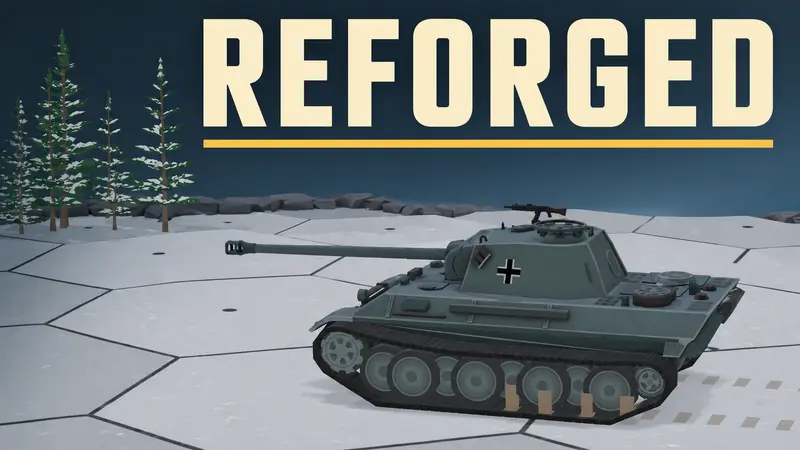
On November 27, MicroProse and Hexdraw are releasing Second Front: Reforged as a free update for everyone who owns the turn-based tactics game. Second Front will also be on sale on Steam at launch.
Players returning to a familiar scenario will face a much stronger opponent. The AI can coordinate attacks by several units, cover enemy approaches and relieve troops holding a position. Second Front also feels noticeably smoother. Where the picture used to pause briefly during a demanding calculation, the camera and animations now keep moving. The battlefields are more detailed, and new tooltips explain what matters for the next decision, right under the cursor.
Reforged at a glance
- New infantry and armor rules. Berserk infantry can charge into an enemy-occupied hex during movement. A defending tank can react by turning its turret toward a target. Two types of special armor-piercing ammunition, APCR and APDS, are now available in historically appropriate periods.
- A detailed Battle Log. Every die roll is linked to the action it resolved, from a squad trying to rally to a hit on a tank or an attack in Close Combat. A vehicle’s loss icon leads directly to the report explaining how it was knocked out.
- Stronger AI and smoother turns. Infantry and vehicles coordinate their movements. Tanks now consider positions with long fields of fire, and demanding calculations are spread across multiple frames.
- More help on the battlefield. New tooltips explain weapons, cover and the chances of a hit. Map arrows show who can still fire and which hexes they can target. A close-up camera and four animated main menu backgrounds offer a closer look at the units.
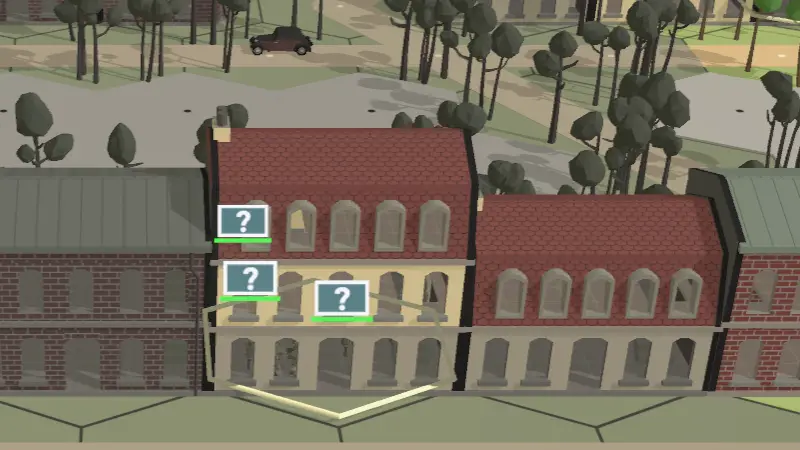
- Reworked graphics and battle sounds. Trees and bushes are more detailed and look more natural. Doors and windows open, wheels and tracks move, and shellfire leaves lasting marks on the ground and on buildings. Firing, shells in flight, impacts and ricochets each have their own sounds.
- Switch sides and do more in the editors. Selected scenarios can now be played from the opposing side. Map and scenario designers can assemble buildings more easily, check lines of sight during setup and edit existing reinforcements.
1. New rules for infantry and tanks
An American squad carrying a bazooka can go Berserk and charge straight at a Panther. The Panther gets its chance to fire in defense. If the squad survives and reaches the tank’s hex, it can fire its bazooka at point-blank range, from inside that same hex. Only Berserk infantry can charge into an enemy-occupied hex this way during movement.
A tank with a rotating turret can now react more readily during the enemy turn. That makes the direction its commander chooses at the end of the friendly turn all the more important. If the turret already covers the expected approach, the tank can fire without a turning penalty. If an enemy appears off to one side, the defender can still swing the turret onto the target. The chance of a hit then drops according to the turret type and how far it has to turn. This penalty, known in the game as Case A, also applies in other fire phases when a weapon has to turn before firing.
During its own Advance Phase, a tank may turn its turret once if a suitable turret-mounted weapon is still ready to fire. A weapon that retained its Rate of Fire after its last shot qualifies.
APCR and APDS add two types of special armor-piercing ammunition. Their availability varies over the course of the war. Depending on the month and year of the scenario, the same ammunition for the same vehicle type can be more common, scarce or unavailable. The AI takes scarcity into account and may save a special round for a more heavily armored opponent.
2. The Battle Log explains what the dice decided
Players could already see the dice roll. When several rolls followed in quick succession, it was often hard to tell which one had decided the outcome. The new Battle Log shows the action and the result for every roll.
One recorded game of Fighting Withdrawal shows what this looks like. On turn two, a Soviet unit tried to rally on its own. The report shows its morale of 7, its roll of 9 and the result. The unit remained broken. For a tank shot, players can follow the roll to hit and the separate roll for the effect of that hit. In Close Combat, the log also shows what each side rolled when trying to ambush the other.
There are two places to look up how a particular tank was lost. During play, hover over its loss icon in the victory conditions dialog. The same option is available in the results dialog at the end of the scenario. Hovering over the icon of a knocked-out BT-5, for example, brings up the exact Battle Log entry that explains its loss.
3. How the stronger AI plays
In one recorded game of The River, a German squad was covering an enemy approach. It was needed at a threatened victory location, but held its position. Only when a second squad arrived to cover the approach did the first set off for the objective.
A game of Crisis Hour offers an example of the new Close Combat planning. Two Soviet squads moved toward their target during the Movement Phase. In the following Advance Phase, both reached the hex chosen for their joint attack.
The AI now looks for tank positions with long fields of fire. Depending on the situation, a tank may take up one of these positions and engage enemy units while they are still some distance away.
Decisions like these require the AI to compare many routes, positions and possible shots. Reforged spreads that work across successive frames. While the AI prepares its next action, the camera can follow a moving unit smoothly and its animation keeps playing. The difference is particularly noticeable in larger battles with many units on the map.
Some existing scenarios have been rebalanced for the stronger opponent. In some engagements, the AI now fields fewer units. The victory point (VP) values of selected objectives have also been increased to give the attacker more time to capture them.
4. Tooltips, fire options and main menu backgrounds
How much does turning the turret affect the chance of hitting this target? Is the target’s cover already included in the percentage? What does the number beside APCR ammunition mean? More than 200 new tooltip explanations in seven languages answer questions like these where they arise. The APCR tooltip, for example, explains that the percentage is the risk of running out of that ammunition when firing the shot.
Fire options can also be read directly on the map. If a StuG’s unit card shows five possible target hexes, hover over the number and an arrow appears above each of the five. The defensive fire count on the phase bar answers the question the other way around. Its arrows mark the friendly positions from which units can still fire. On a map like Barrikady, that saves hunting through factory halls, ruins and trenches for each unit in turn.
Press the Space bar to switch between the tactical map and the close-up camera. The camera can follow moving tanks from the side or cut to the target just before a shell strikes. The animation speeds for vehicles, soldiers and projectiles can be set independently.
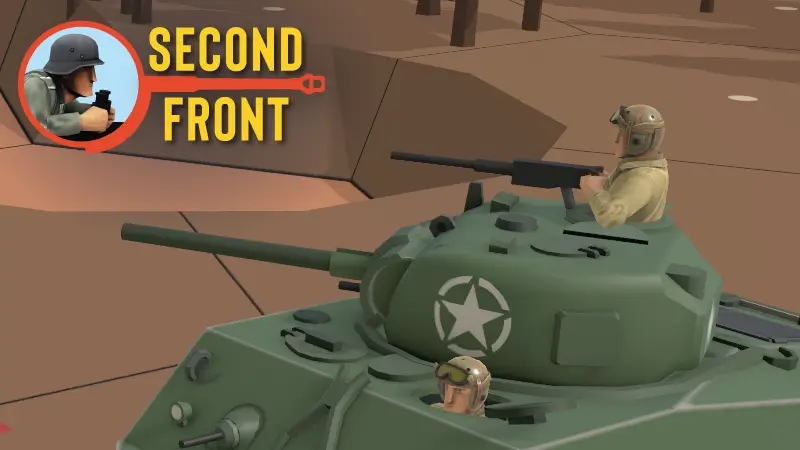
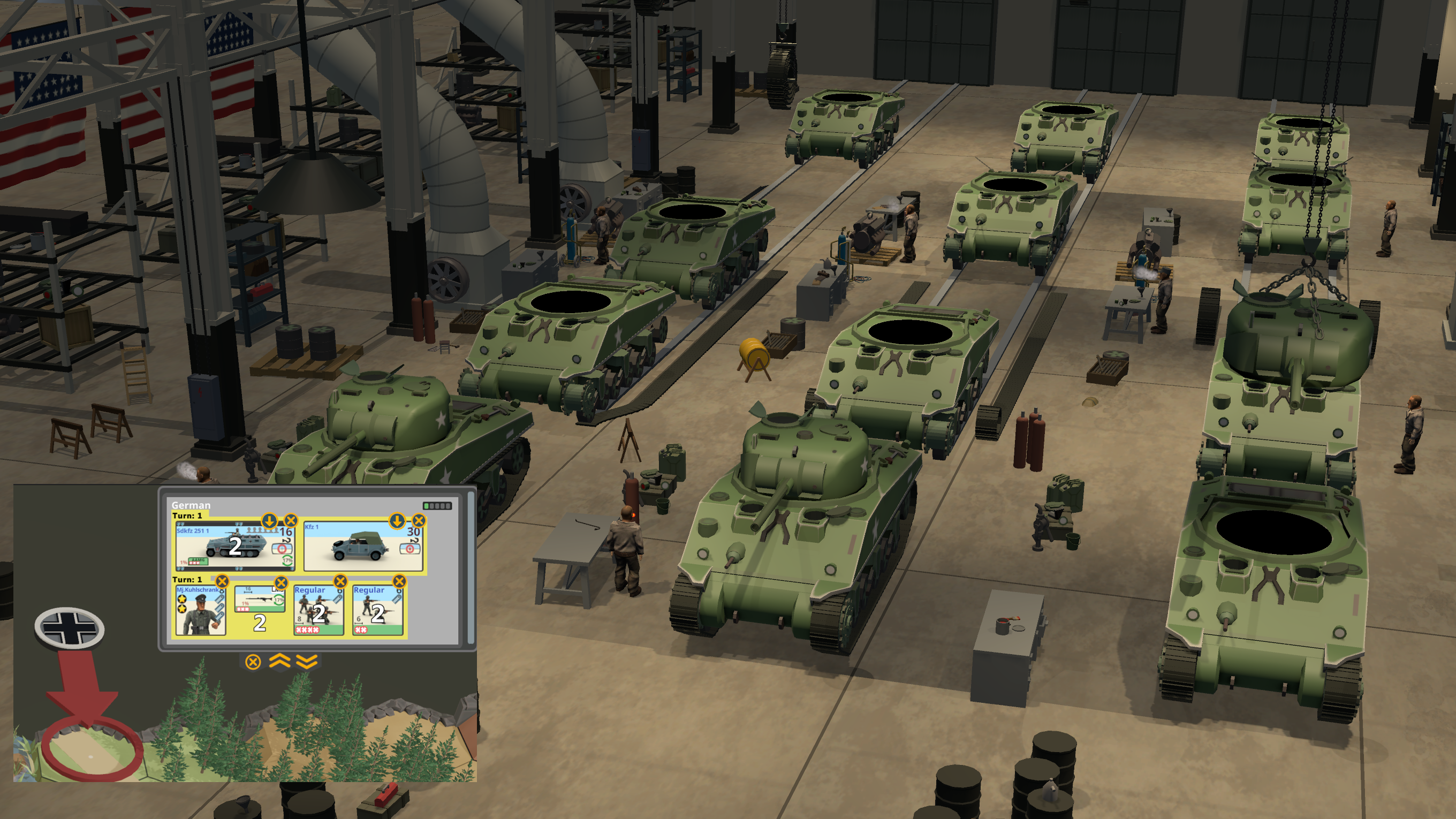
All four main menu backgrounds are now animated. Three production lines assemble M4A3 Shermans in the American tank factory. Tracks lie ready on the worn concrete floor. Players can watch them being fitted, engines being lowered into place and turrets being mounted. Freight wagons shunt back and forth in the German background, truck convoys pass the tanks in the British scene, and light falls through damaged windowpanes in the Soviet factory.
5. Reworked graphics and battle sounds
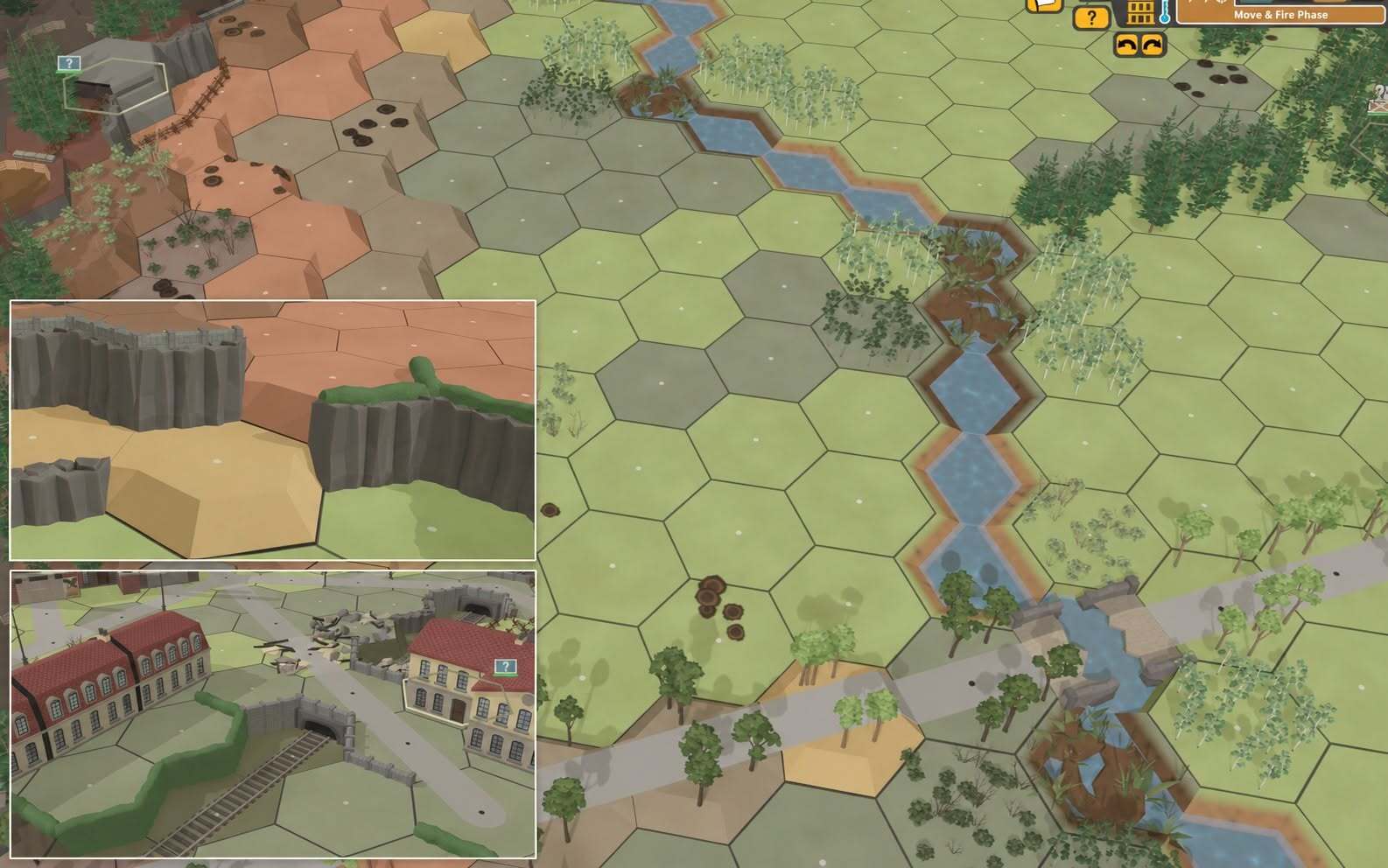
Reworked trees and bushes give the landscape a more natural appearance. Birches stand out more clearly from other trees, rows of crops continue across adjoining hexes, and banks blend into muddy ground. Walls and hedges can now stand on cliffs.
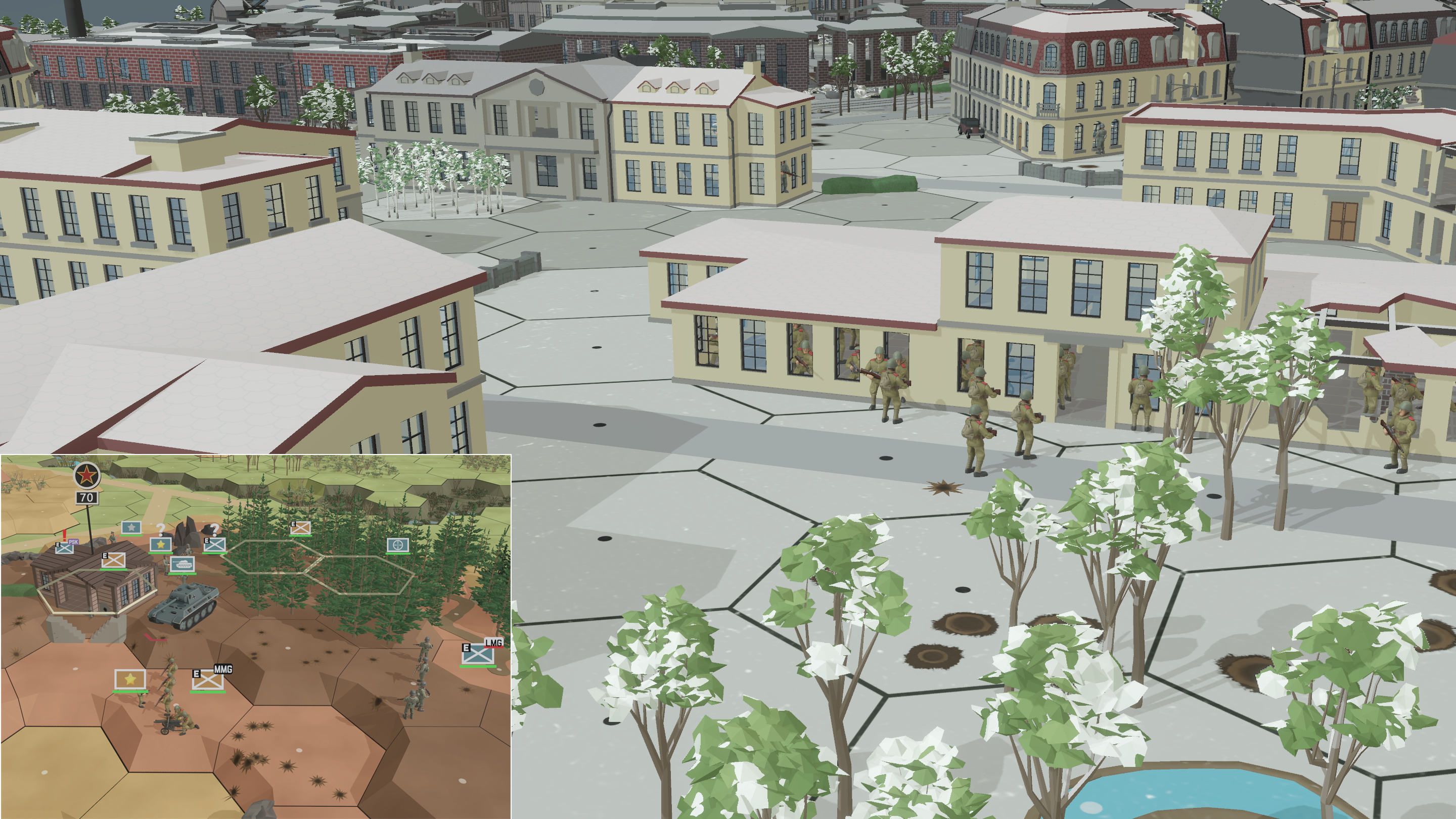
In towns and villages, soldiers open doors as they use them, and the particular window they fire through swings open. The High graphics setting features more than 5,000 modeled windows and 280 doors. Rifle fire can shatter the glass, and a high-explosive round can tear out the frame as well.
After a battle, the walls and ground still show where the fighting took place. Armor-piercing rounds cut narrow grooves in the direction of fire, while high-explosive shells leave craters. These marks are preserved in saved games. The vehicles themselves have received more detail, too. 266 vehicles now have animated wheels or tracks in both the Garage and the game.
New sounds follow a shot from the moment the gun fires to the moment the round strikes. Incoming mortar rounds whistle on their descent, and a hit on armor sounds different from a ricochet. The Flakvierling’s four barrels fire in succession, and each impact can be heard separately.
6. Scenarios, editors and the Steam Workshop
Players who know Crisis Hour as the Soviet attacker can take command of the German defense in Fighting Withdrawal. Holding the Line offers the opposing side of The Blitz.
In the Map Editor, up to 32 edits can be undone and redone. Railway track, station modules and factory sections snap to matching connections. Symbols in the palette show which piece starts a row, which extends it and which closes it. Any open module connections inside the map must be closed before the map can be finalized.
The line-of-sight (LOS) tool is now available in the Scenario Editor as well. Designers can see which hexes are visible from a unit’s position while placing it on the map. Individual vehicles can also be moved from a reinforcement group back onto the map, with passengers and equipment still aboard.
New filters and preview images make it easier to find battles by other designers in the Steam Workshop. Existing Workshop entries keep their IDs and visibility settings when updated. Steam Cloud stores player progress and autosaves.
After Reforged, multiplayer is Hexdraw’s next development priority.
A new DLC Announced!
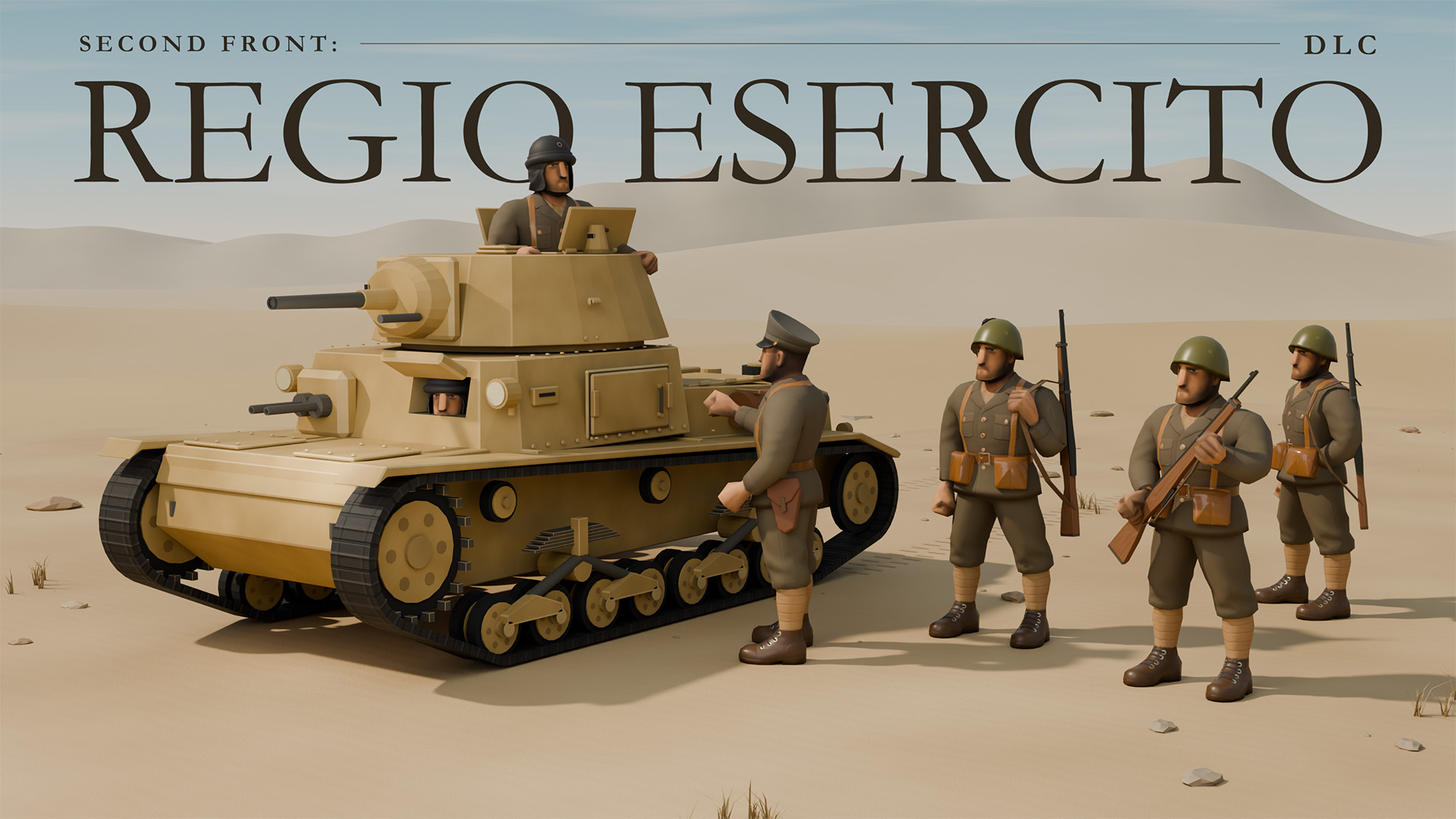
Alongside the release of the Reforged update, MicroProse and Hexdraw have also announced Regio Esercito, an upcoming DLC that will introduce the Italian armed forces to Second Front, further expanding the game’s World War II tactical experience.
A note from the developer:
With the changes to the rules and the AI, some scenarios may now favor one side more than I intended. If you play one that feels too one-sided, let me know in the comments. Tell me which scenario you played, which side you took, and what tipped the balance for you. I’ll look into it and adjust the scenario where needed.
Automatic game reports are off by default. If you’d like to help me trace what happened in your game, you can turn on Automatically send game reports under Options → Support. Reporting begins with the next scenario you start or load, and you can turn it off at any time.
Each report includes the course of the battle, available autosaves for that scenario, and the technical log from your current game session. It also includes your Steam ID and, if available, your Steam profile name.