Happy October, Operators!
Since the release of Hotfix 1.0.2, the team has been hard at work pushing forward on one of our most ambitious additions: Free Play Mode. Over the past few weeks, we've made significant progress, and today we're excited to give you an early look at what we've been building.
In this developers blog, we'll be showcasing several of the core features that are taking shape, along with a first look at Free Play in action. From mission creation tools to player-driven scenarios, we're getting closer to putting the power of mission design directly into your hands.
Please note that the screenshots shown throughout this blog feature work-in-progress content. User interface elements, visuals, functionality, and overall presentation may change before release.
Custom Weapons & Maps Bug Update
Before we dive into the exciting stuff, we want to address an issue that some players have reported.
We are aware of bugs affecting certain aspects of custom weapons and custom maps, including cases where weapons fail to load correctly or maps do not appear on the Custom Map Board as expected. Our team has identified these issues and is actively working on solutions.
The good news is that the fixes are already in progress and are currently planned for inclusion in our next game update. We appreciate everyone's reports, patience, and continued feedback as we work through these issues.
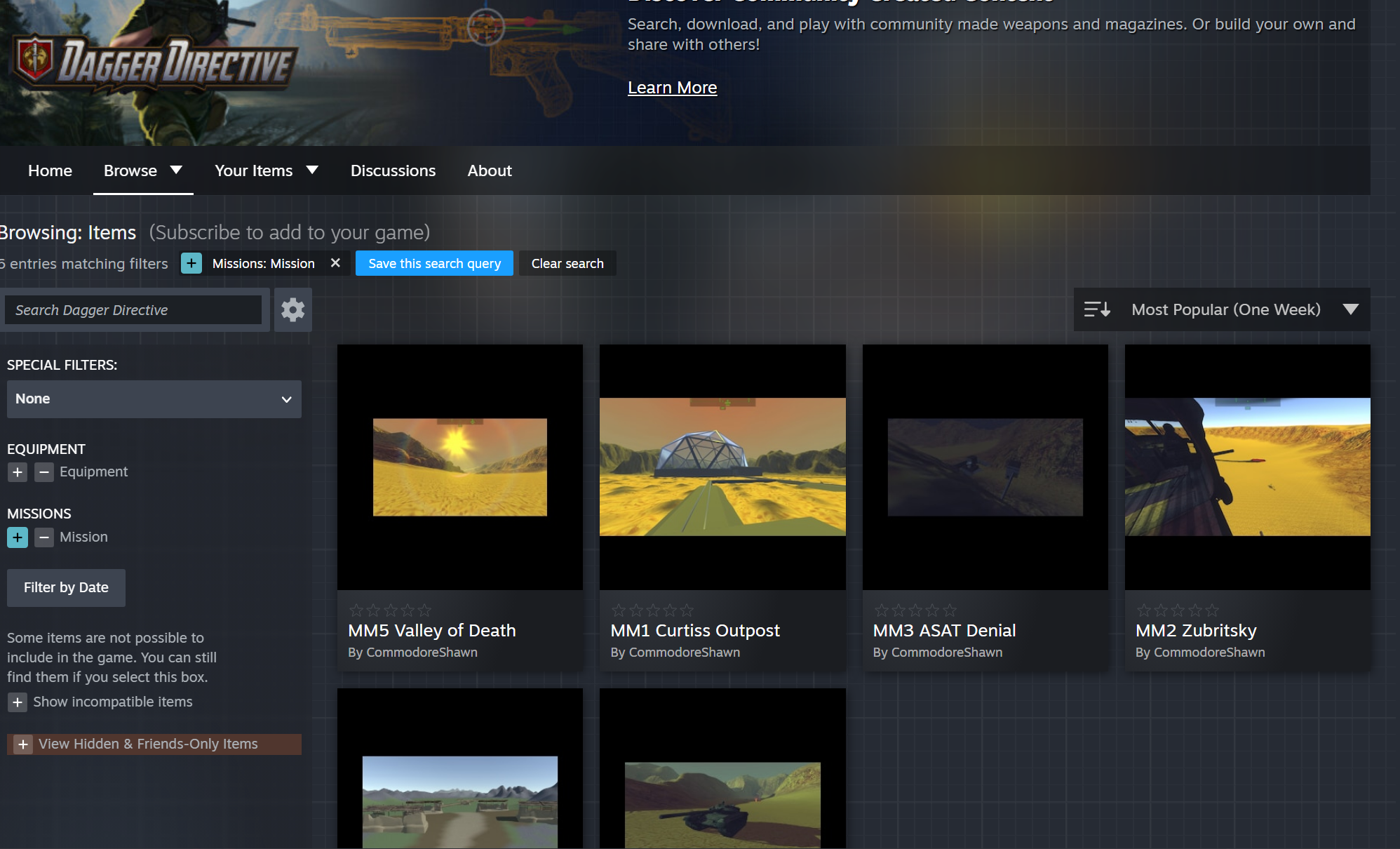
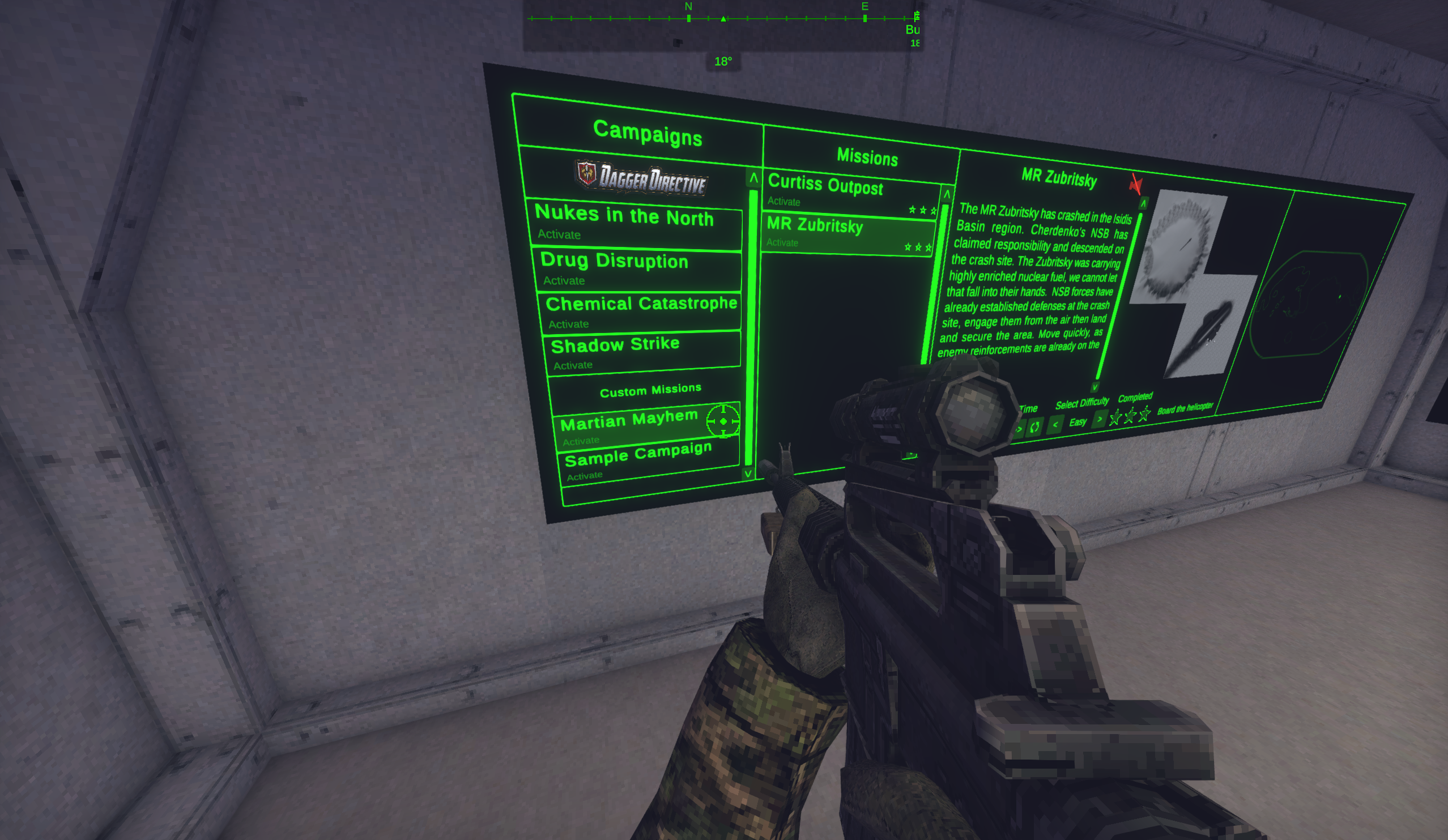
Please Note: Custom Missions are still available to play even if they are not showing up in the board UI.
- Go to the Steam Workshop and subscribe (press the green + icon) for the mission you are interested in
- In game, go to the Mission Board and scroll down to the “Custom Missions” category and choose the custom mission you subscribed to
- When ready, proceed to the helicopter to deploy as normal
Now, let's take a look at what's coming with Free Play Mode.
Free Play Mode
How it will Work
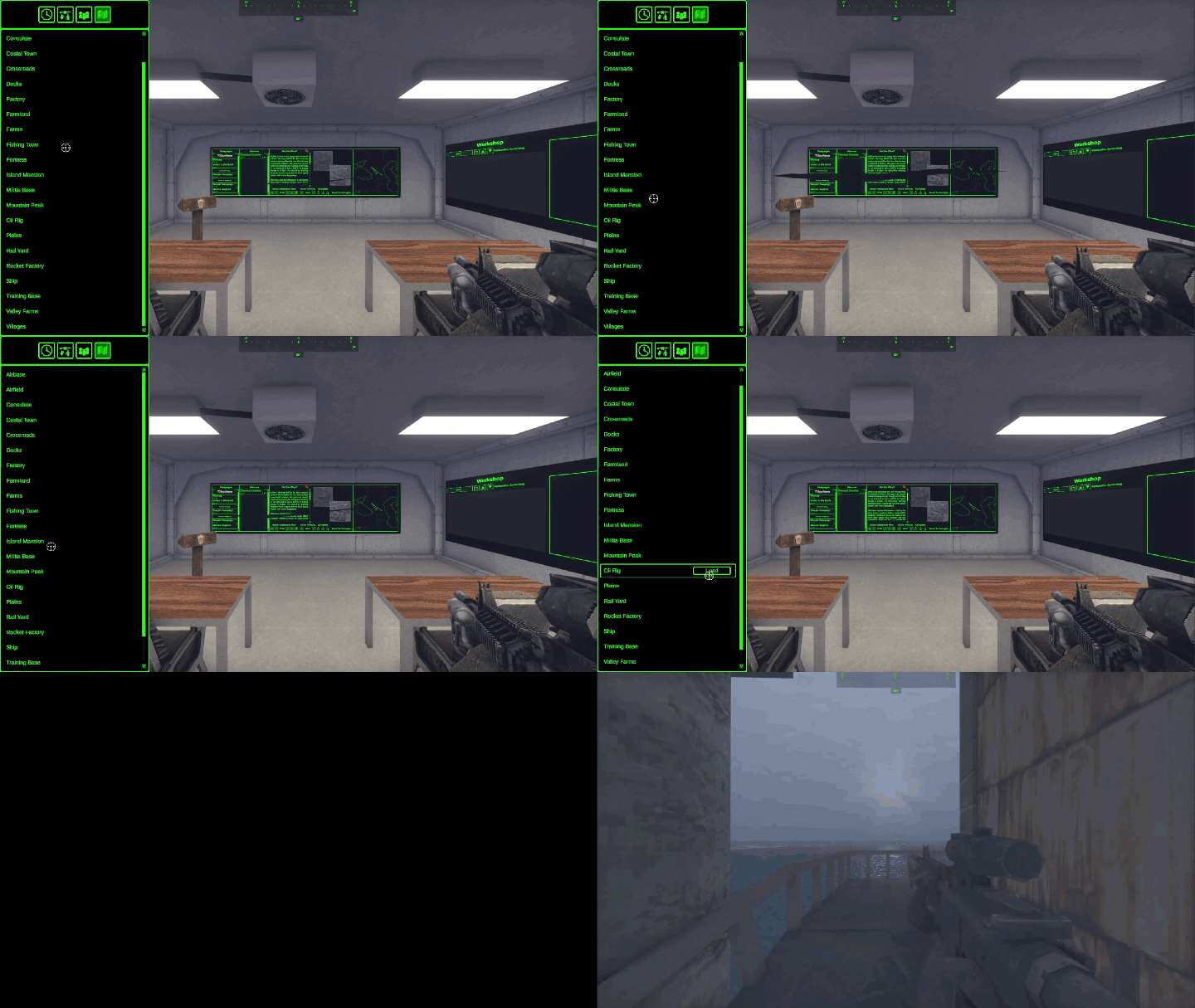
Every Free Play experience begins with a blank canvas. First, select the environment where your scenario will take place from a list of available maps. Once your map is chosen, you'll load directly into the world and define the mission objective that players must complete.
With your objective in place, it's time to bring the scenario to life. Populate the map with enemy AI, weapons, and environmental props, crafting encounters and points of interest wherever you want players to engage. Whether you're designing a tactical assault, a stealth-focused operation, or a chaotic sandbox, you have full control over how the mission unfolds.
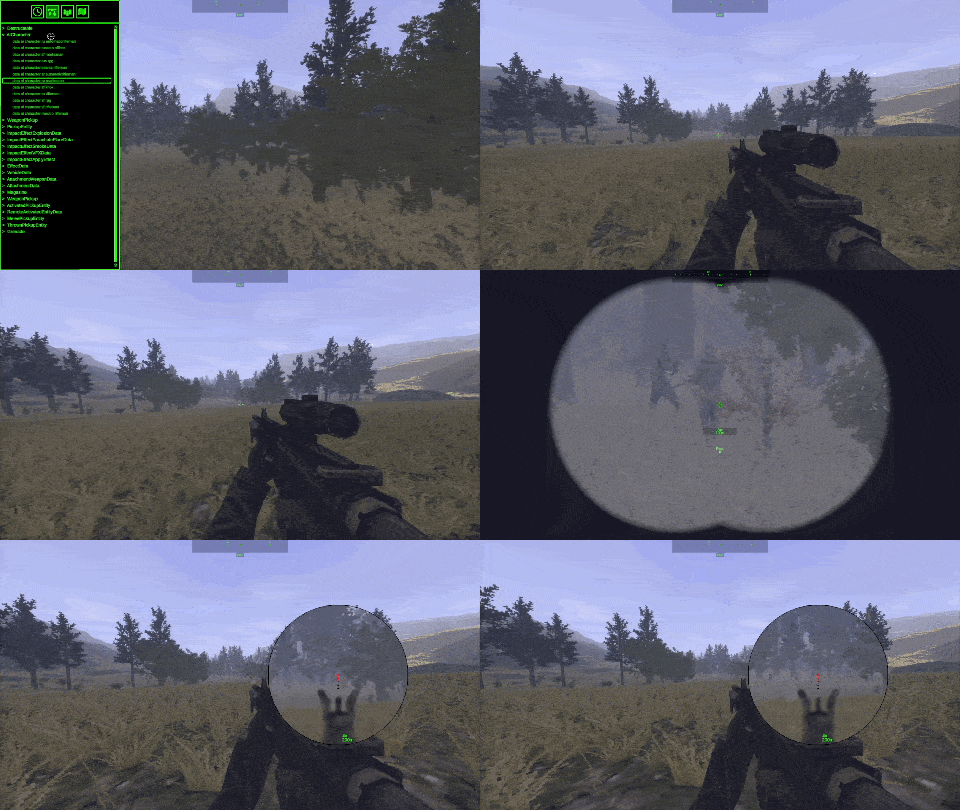
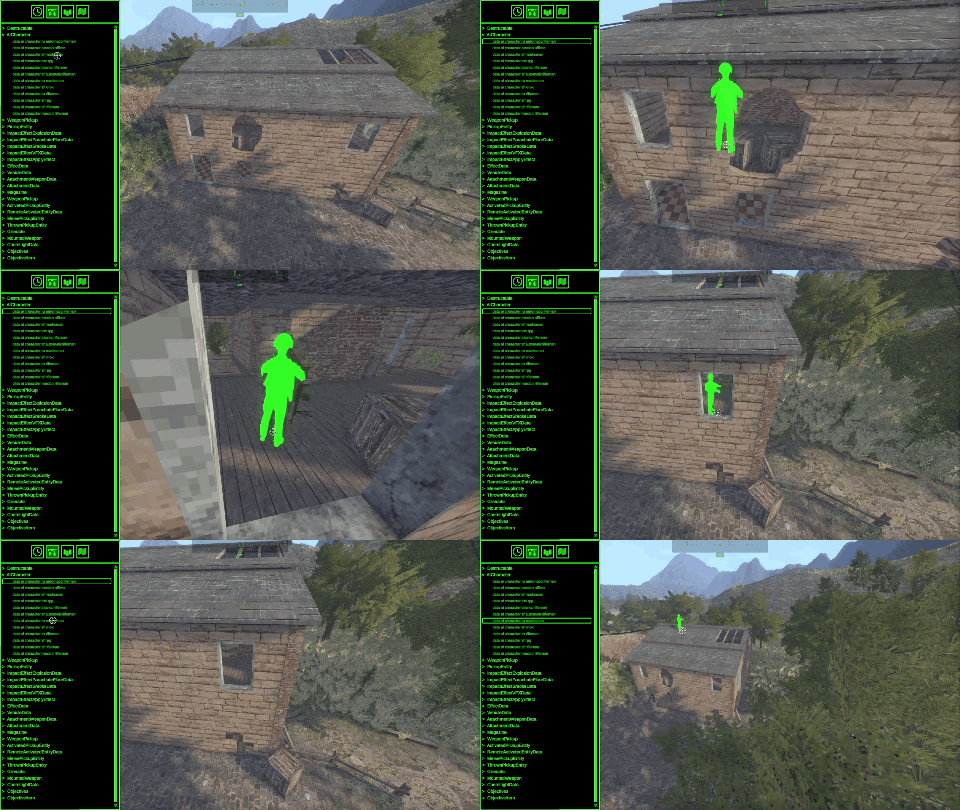
*Gifs have been compressed to meet Steam's file size limits and do not reflect games graphics quality
When everything is set up and ready for deployment, save your creation, launch a new lobby, and load your custom mission to jump in and play with others. The battlefield is yours to build.
How you can Play
Free Play is all about creativity, experimentation, and replayability. Whether you're building a mission for yourself, crafting a challenge for friends, or creating a dynamic operation for the community, Free Play gives you the tools to shape the experience exactly how you want. No two missions have to play the same way, and there's no single "correct" way to use the mode.
While we're excited to see the unique scenarios the community creates, there are two approaches that stand out as great starting points for people wishing to be mission creators.
Become the Game Master
Take control of the operation from behind the scenes and turn every mission into a live, evolving experience.
As a Game Master, you're not just setting up the battlefield, you're actively directing it. While players work toward their objectives, you can adjust encounters, introduce new threats, create unexpected complications, or even guide the narrative in real time. Maybe a routine reconnaissance mission suddenly turns into a desperate extraction. Maybe reinforcements arrive just when the players think they've secured the area. The choice is yours.
This approach transforms Free Play into a living operation where adaptability is key. Players won't be able to rely on memorization or predictable enemy placements because every decision you make can change the course of the mission. It's a great way to create memorable stories, challenge veteran squads, and keep even familiar maps feeling fresh.
Become the Operations Planner
Prefer designing the mission from start to finish and then let the players tackle it? The Operations Planner role might be the approach you are looking for.
Build the scenario exactly as you envision it, carefully placing objectives, enemy forces, weapons, and environmental elements to create a unique tactical challenge. Once your mission is complete, save it and host it through the server browser for others to experience.
From there, you decide how involved you want to be. Sit back and observe as players execute your operation, learning from their successes and failures, or jump into the action yourself and experience the mission alongside them or alone. Whether you're creating a tightly scripted assault, a sprawling search-and-destroy operation, or a brutal survival scenario, the mission is yours to design.
We're continuing to work toward the release of Update 1.1.0 and look forward to sharing more details as features move closer to completion. In the meantime, we hope this preview gets the ideas flowing and inspires you to start thinking about the missions, stories, and challenges you'll create when Free Play Mode arrives.